How We Run Our Business From Anywhere in the World
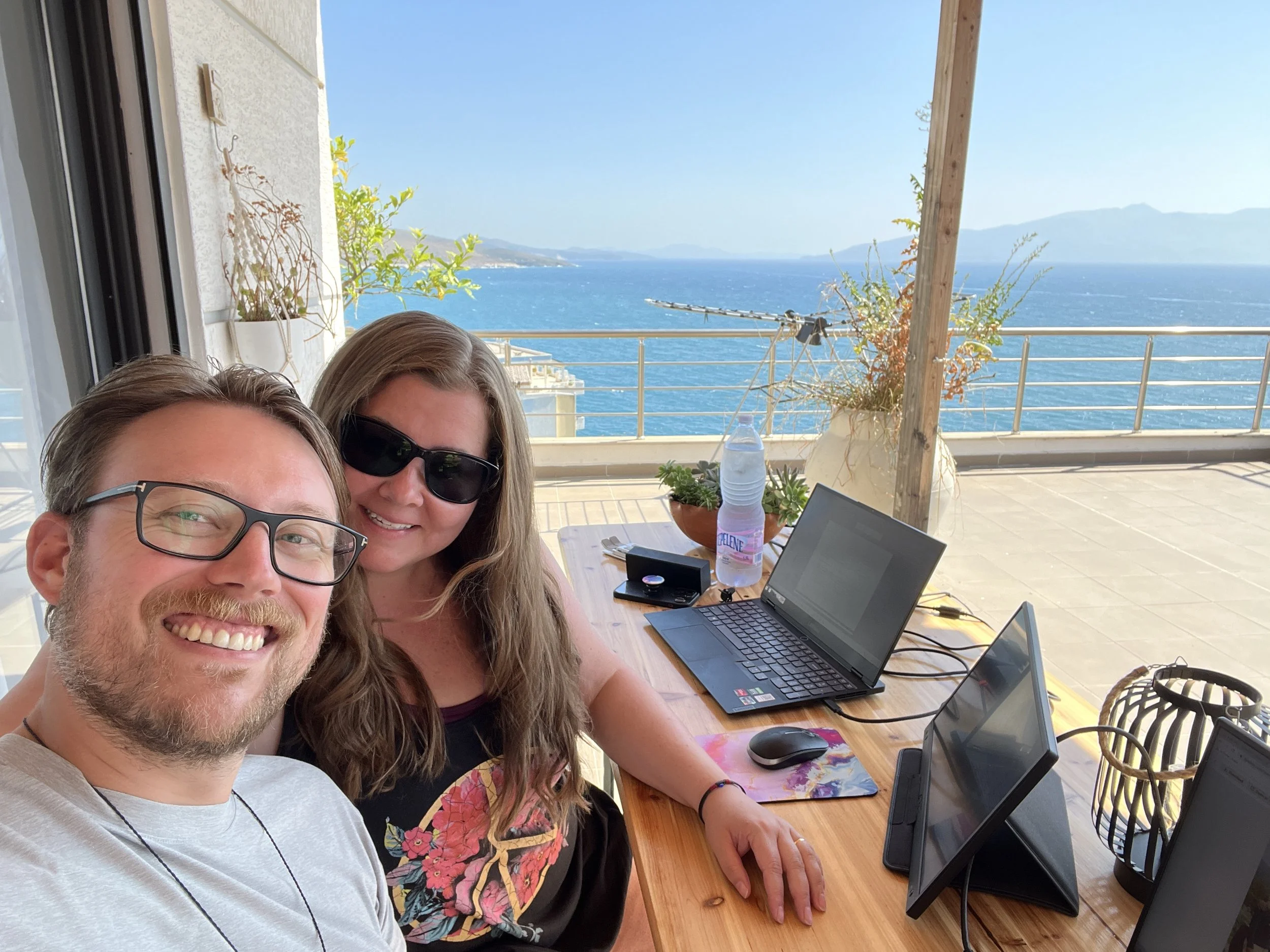
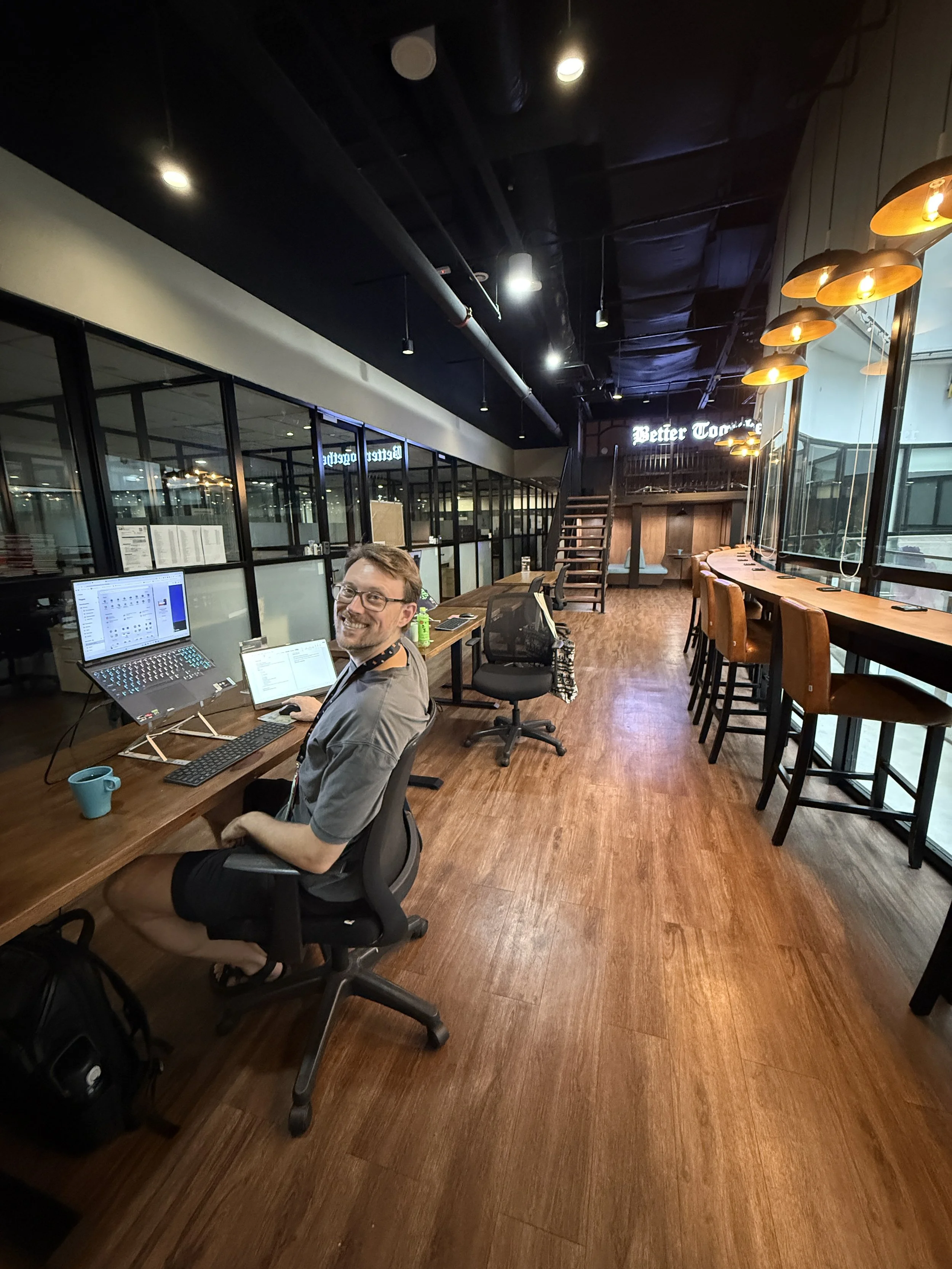
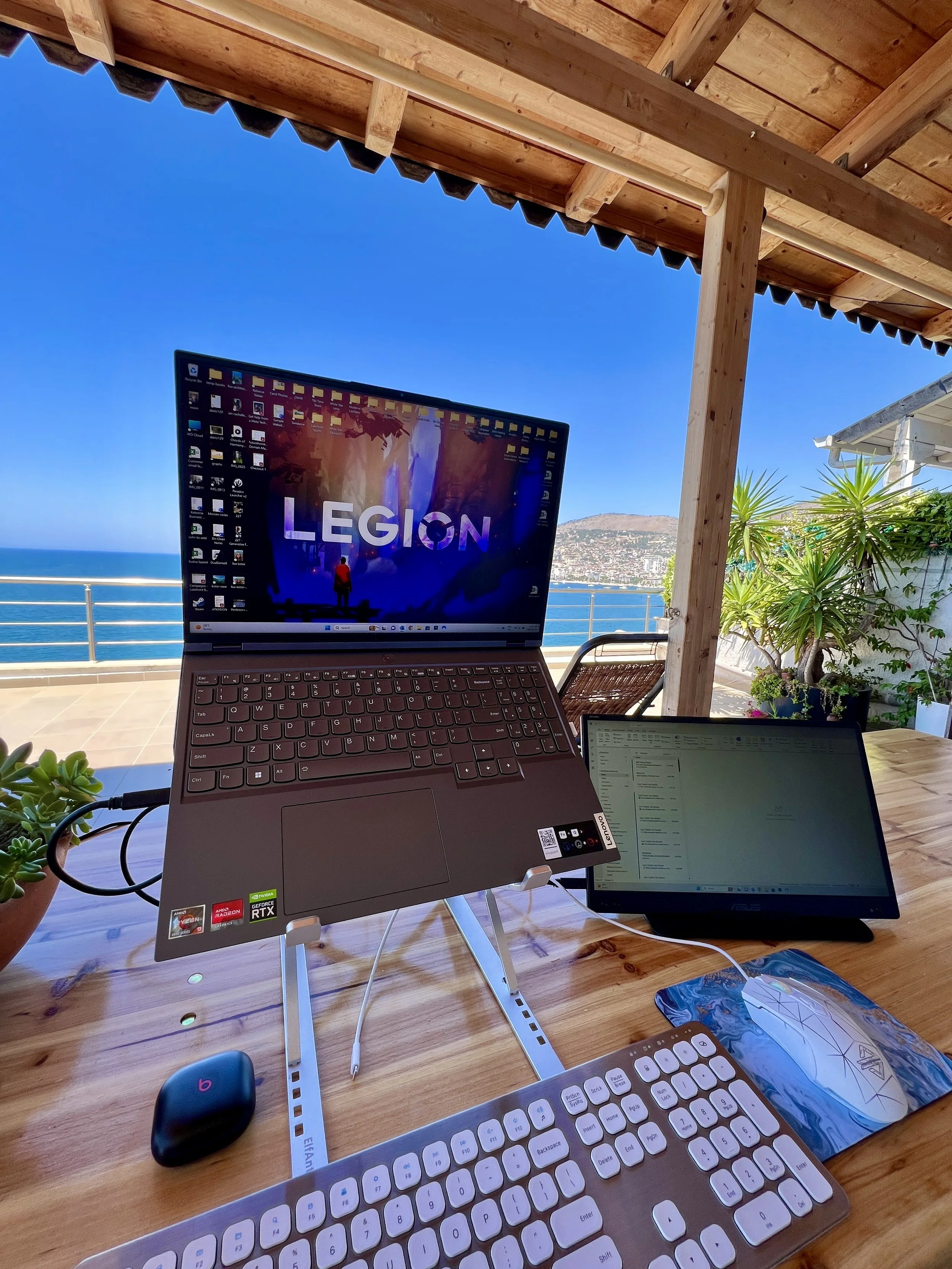
For almost 4 years, we've been running IA Creative from wherever we happen to be in the world. Sometimes that's a proper desk at a co-working space in Malaysia. Sometimes it's a kitchen table in Vietnam. And occasionally, it's a balcony overlooking the Adriatic Sea in Albania.
We're also noticing more business owners and clients finding ways to work beyond their usual office. Some are spending a month abroad without putting their business on hold. Others are working from home more often, taking longer trips or simply trying to get rid of the filing cabinets and paper systems that keep them tied to one place.
We didn't start out this way. We had a home office, a whiteboard covered in Ian's ideas and plenty of sticky notes. Making our business portable meant changing how we organized work, accessed files and protected information. Here are the tools and habits that made the biggest difference for us.
The Beach-Laptop Fantasy Has Some Problems
The internet makes remote work look glamorous with a laptop at the beach and a cocktail within reach. In practice, sunlight makes screens impossible to read, sand and humidity aren't kind to electronics, and cafés can be a noisy, distracting places to meet a deadline. We work five days a week, sometimes seven and clients are counting on us, so we need a dependable place to concentrate.
That affects both the homes we rent and the destinations we choose. Before booking, we look for fast, reliable internet, a workable desk or table, comfortable seating and enough room for two people to work. We also consider the local infrastructure. A beautiful tropical island is less appealing as a work base if storms routinely interrupt electricity and connectivity.
We learned that during our first summer abroad in Albania. Temperatures climbed above 45°C, demand for air conditioning was intense and we dealt with multiple power outages most days. Losing the internet in the middle of work is frustrating enough. Losing the air conditioning at the same time makes it memorable. Since then, power reliability has become part of our travel planning.
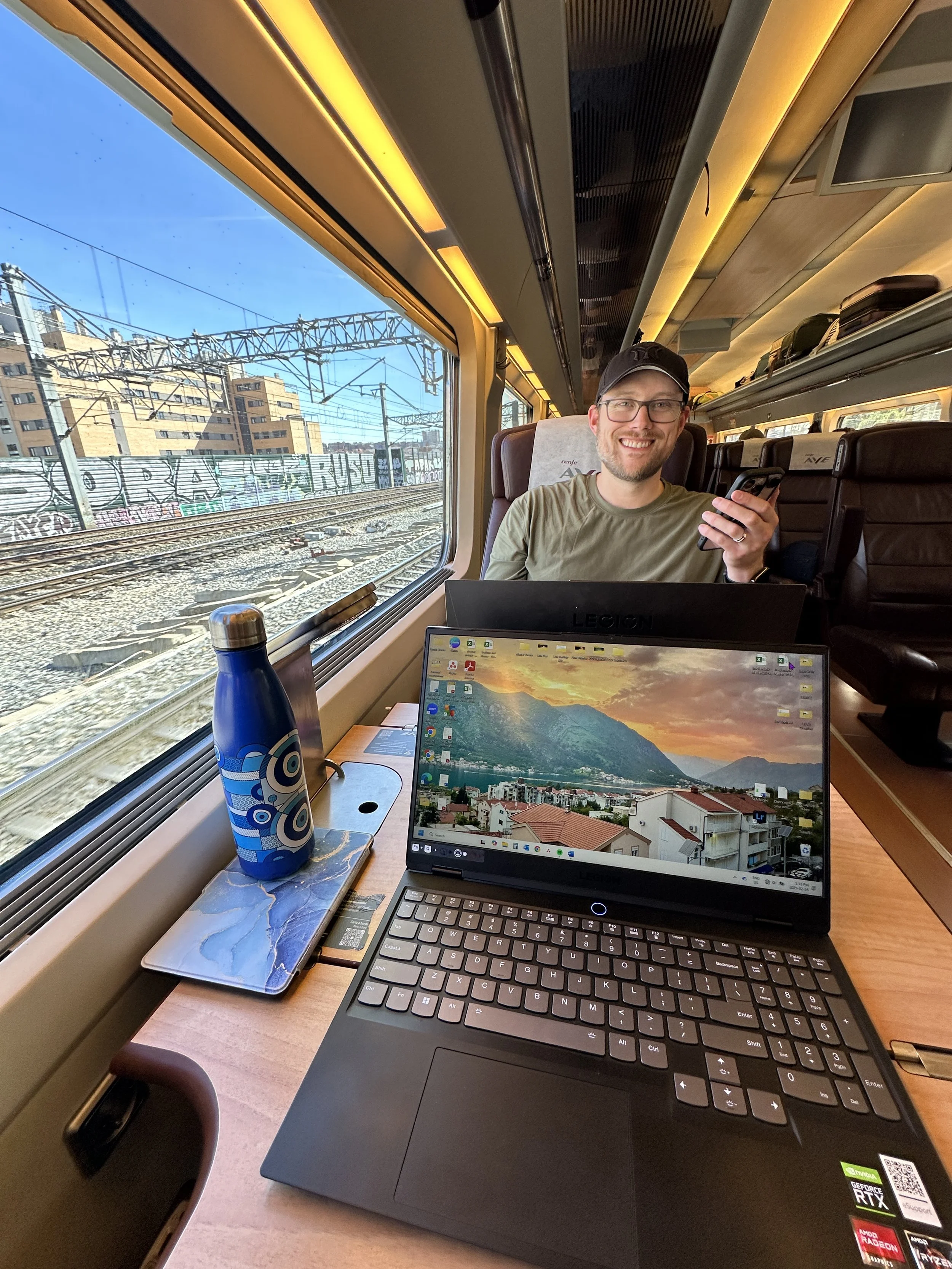
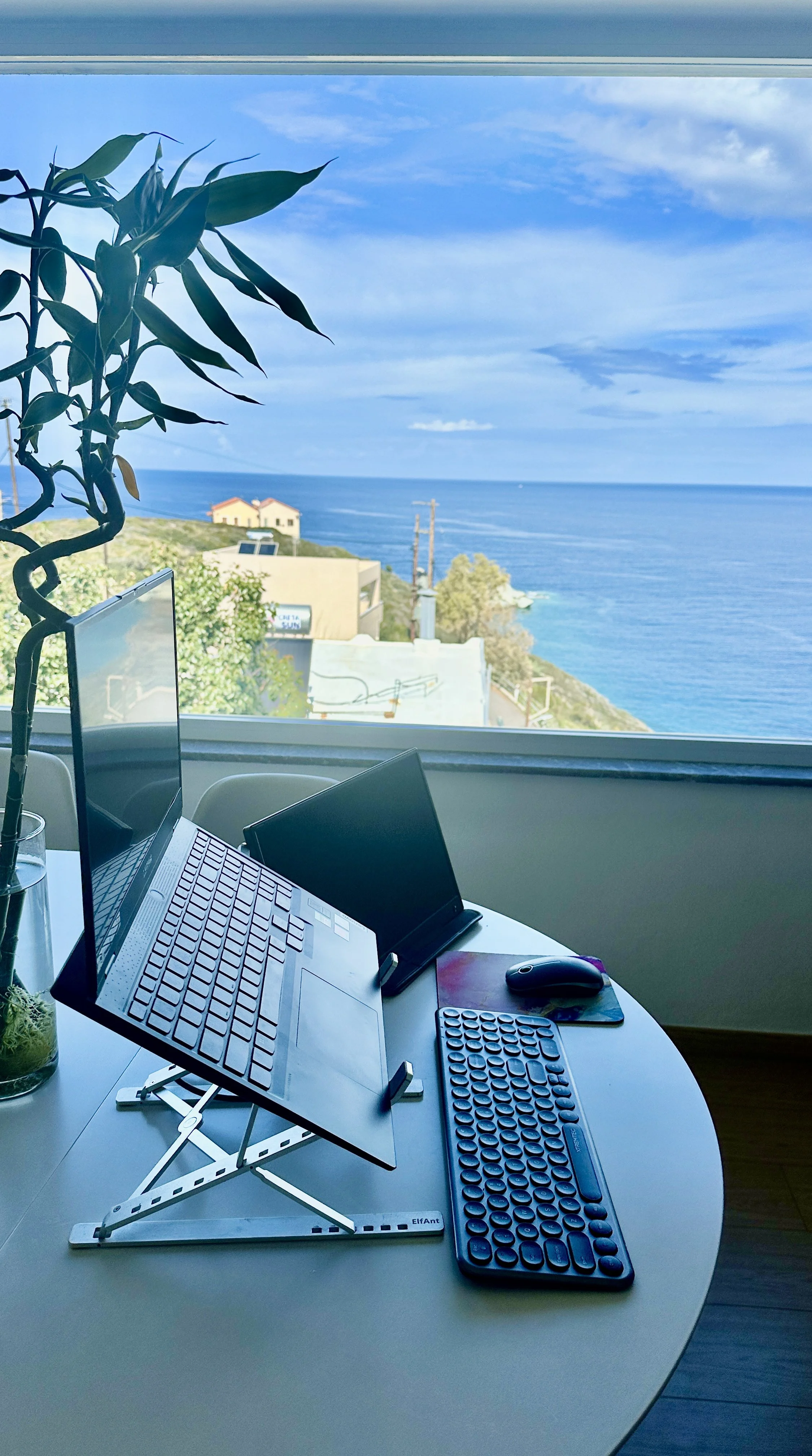
Goodbye Whiteboard, Hello Digital Organization
We're both pen-and-paper people by instinct. Born in the 80’s, raised in the 90’s and figuring out adulthood in the 2000’s. Ian used to keep the office running with his whiteboard and sticky notes. They worked beautifully until the office stopped being a fixed address.
Now we use Asana to organize client projects, assign tasks, track deadlines, set reminders and collect the ideas that used to end up on scraps of paper. We use the free version, and it has been a game changer. If one of us thinks of something while we're out, or we're having one of our many impromptu business meetings in random places at random times, we can pull out the app and organize it before the idea disappears. When we're planning a busy week, we can see what's due without standing in front of a wall of notes.
Asana's Personal plan is free for up to two users, with unlimited tasks and projects. For a small team, that may be all you need. You don't have to overhaul every process in one weekend; start by moving recurring tasks and deadlines into one shared place.
Your Files Need to Travel With You
When you're away from a physical office, you can't rely on the folder sitting on one computer or the file tucked into a cabinet. We use Dropbox to share files with clients, especially when we're passing around photos, videos or other large assets. Dropbox Basic is free with 2 GB of storage, although a business handling lots of media may outgrow that quickly.
We also use OneDrive to keep our working documents available across devices. Google Drive is another option if you're already in Google's ecosystem. The free starting allowances are 5 GB for OneDrive and 15 GB shared across Google Drive, Gmail and Google Photos. In Canada, Microsoft's 100 GB plan is listed at $2/month, or $19/year.
One important distinction: syncing files to the cloud is convenient, but it isn't automatically a complete backup strategy. If something is deleted or overwritten, that change may sync too. Check version history and recovery settings, so we keep a separate backup of anything we couldn't afford to lose.
Security Doesn’t Take a Vacation
We handle client accounts and confidential business information, as well as our own banking, investments and personal records. That responsibility follows us wherever we go. We don't connect to Wi-Fi without turning on our VPN first, whether we're working or checking our personal accounts. It's a business policy and a household rule. No exceptions.
We use NordVPN, which encrypts the connection between our devices and the VPN server. Surfshark is another well-known paid option. A VPN is especially useful on networks you don't control, but it isn't a magic shield against phishing, weak passwords or compromised accounts.
That's why we also use NordPass, a password manager and secure vault. It helps us create and manage unique passwords without relying on a notebook or sticky note, and it keeps sensitive details organized. We pair that with multifactor authentication wherever possible and careful decisions about who gets access to what. Secure habits matter just as much as the software.
You Don’t Need a Fortune in Software
Some of our most useful tools cost us nothing. Others cost a few dollars a month, particularly when purchased on longer plans. Here's a practical starting point, not a shopping list you need to buy all at once.
Asana: Free Personal plan for up to 2 users.
Dropbox: Free Basic plan with 2 GB of storage.
OneDrive: Free 5 GB of storage. Upgrade to 100 GB for approximately $2 CAD/month or $19 CAD/year.
Google Drive: Free 15 GB of storage, shared across Google Drive, Gmail and Google Photos.
NordVPN: Paid subscriptions. Promotional pricing is available on longer plans, but renewal rates may be higher.
Surfshark: Paid subscriptions. Longer plans typically offer lower monthly rates, but watch for renewal pricing.
NordPass: Free password manager available, with paid plans offering additional features.
Prices and plan limits checked October 2026. Subscription promotions, currency, taxes and renewal rates can change. Check each provider before purchasing.
A Little More Freedom, Without Losing Control
You don't have to travel full-time to make your business more flexible or more secure. Maybe you want to work from home a few days a week, spend a month visiting family or stop carrying your entire business around in a book that looks like a filing cabinet. Start with the systems that cause the most friction: scattered tasks, inaccessible files or passwords nobody can find when they need them.
What we didn't expect when we started travelling was just how much better we'd become at running our business. We're more organized now than we've ever been, across this business and the businesses we've run before it. We work more efficiently, have greater confidence in our systems and know our information is secure. Everything is accessible when we need it, whether we're working together, sharing information or switching between our computers and phones. And those benefits have made a difference in our everyday working lives, regardless of where we happen to be.
For us, those changes made it possible to keep showing up for our clients while changing the view outside the window. The freedom is wonderful. The systems behind it are what make it sustainable.